

Clutter usually starts with one simple problem. The layout does not support how you actually live. Shoes pile up at the door because there is no real entry zone. Paper covers the dining table because there is no clear office space. Toys spread everywhere because there is no defined play corner.
Before you buy more storage boxes or rearrange your furniture again, it helps to see the whole home from above and at eye level. That is exactly what modern 3D tools give you. With 3d home design online free, you can test layouts, storage ideas and room zones on screen before you move a single chair.
Why 3D Planning Is the Most First Step to an Organized Home
Traditional organizing tips start with sorting and decluttering. Those are important, but they only work long term if the layout fits your routine. A digital floor plan helps you design around your real habits.
With a 3D model you can:
- See how furniture placement affects walking paths
- Check if there is enough room for storage where you actually need it
- Create zones for reading, work, kids play or hobbies
- Make sure doors, drawers and cabinets can open without bumping into each other
Instead of guessing, you see how everything works together in one view. That makes it much easier to plan a calm, clutter resistant home.
How 3D Home Design Tools Help You Organize Room by Room
A tool like Arcadium 3D runs in your browser and behaves like a digital dollhouse. You draw walls, place doors and windows, then drag furniture and storage pieces into position. Because sizes are realistic, you quickly find out what fits and what does not.
Here is how that helps in key areas.
Living room
- Test different sofa and chair positions so traffic flows easily.
- Check where shelves, media units and baskets make sense.
- Create a clear TV or reading zone so items have a logical “home”.
Bedroom
- Make sure the bed leaves enough space for bedside tables and walking room.
- Add wardrobes, dressers and under bed storage in the model.
Plan a small reading corner or vanity without crowding the room.
Home office or study nook
- See if your desk fits comfortably in a corner or alcove.
- Plan shelving above or beside the desk for files, books and supplies.
- Ensure lighting and screen position work well.
Entry and hallway
- Test different positions for shoe racks, coat hooks and benches.
- Avoid blocking doors while still giving every family member a storage spot.
When you can preview all of this in 3D, you avoid random purchases and choose furniture that actually supports organization. Arcadium 3D is especially useful because it keeps everything inside a single project, so you can come back and refine your design as your life changes.
Using Arcadium 3D to Plan an Organized Layout
Arcadium 3D is a practical example of how these tools work in daily life. It lets you try their 3d home design online for free in a browser without complicated software. Here is a simple process to follow.
1. Measure and draw your floor plan
Measure the length and width of each room, plus key elements like windows and doors. In Arcadium 3D, draw the walls and place those openings in the correct spots. This gives you a true sense of scale.
2. Add existing furniture first
Start by placing the furniture you already own. Use objects that match your sofa, bed, tables and storage units. You will quickly see which items are too large, which corners are underused and where the space feels cramped. If you have a luxury dining table, include a correctly sized version in the model as well. Then check that you still have comfortable clearance for chairs to slide out and for people to walk around it.
3. Create clear storage and activity zones
Now start thinking in zones.
- Where does mail land
- Where do shoes pile up
- Where do kids usually play
- Where do you prefer to read or work
Add shelves, cabinets, baskets and desks in places that match those habits. The visual 3D view helps you avoid overloading one wall while leaving another blank.
For work or reading areas, premium furniture can help define the zone more clearly. Italian design retailers such as room service 360°, offering curated collections from 40 brands, focus on interiors that balance comfort and sophistication. Their selection reflects the elegance of Italian craftsmanship, where a well-chosen italian office desk can enhance both functionality and visual harmony within a space.
If you want a simple place to try all of this without installing software, try planning in 3d home design online free and start with just one room. Once that feels right, you can model the rest of the home.
4. Test different versions before you commit
Save a few design variations. One might focus on maximum open space, another on extra storage, another on a bigger seating area. Walk through each version in 3D view and notice which one feels calm and practical.
From 3D Model to Real World Organization
A digital plan is only powerful if you use it to guide real decisions. After finishing your layout in Arcadium 3D, turn it into a simple action list.
- Which furniture should be moved, and to where
- Which items you no longer need because they do not fit the plan
- What new storage pieces are required and what size they should be
- Which walls will hold shelves, hooks or organizers
This keeps you focused. Instead of impulse buying, you follow a visual blueprint that you have already tested. Your home becomes more organized because every choice is connected to a bigger plan, not just to a random idea.
Simple Tips to Get the Most from Your Online 3D Design
- Start small with one problem area, like the entry or living room.
- Use realistic dimensions and avoid shrinking furniture just to make it “fit”.
- Think about daily routines before choosing final layouts.
- Revisit your project every few months as your life changes.
Arcadium 3D makes this easy since projects are stored online, ready to adjust when you bring in new furniture or your needs shift.
Frequently Asked Questions
1. Do I need technical or design skills to use Arcadium 3D
No. Arcadium 3D is built for regular homeowners. You draw with simple tools, then drag and drop furniture into place. After a little practice, most people can build a full room layout without any design background.
2. How accurate is a 3D layout for planning storage
If you enter correct measurements for your walls and main furniture pieces, the model can be very accurate for space planning.
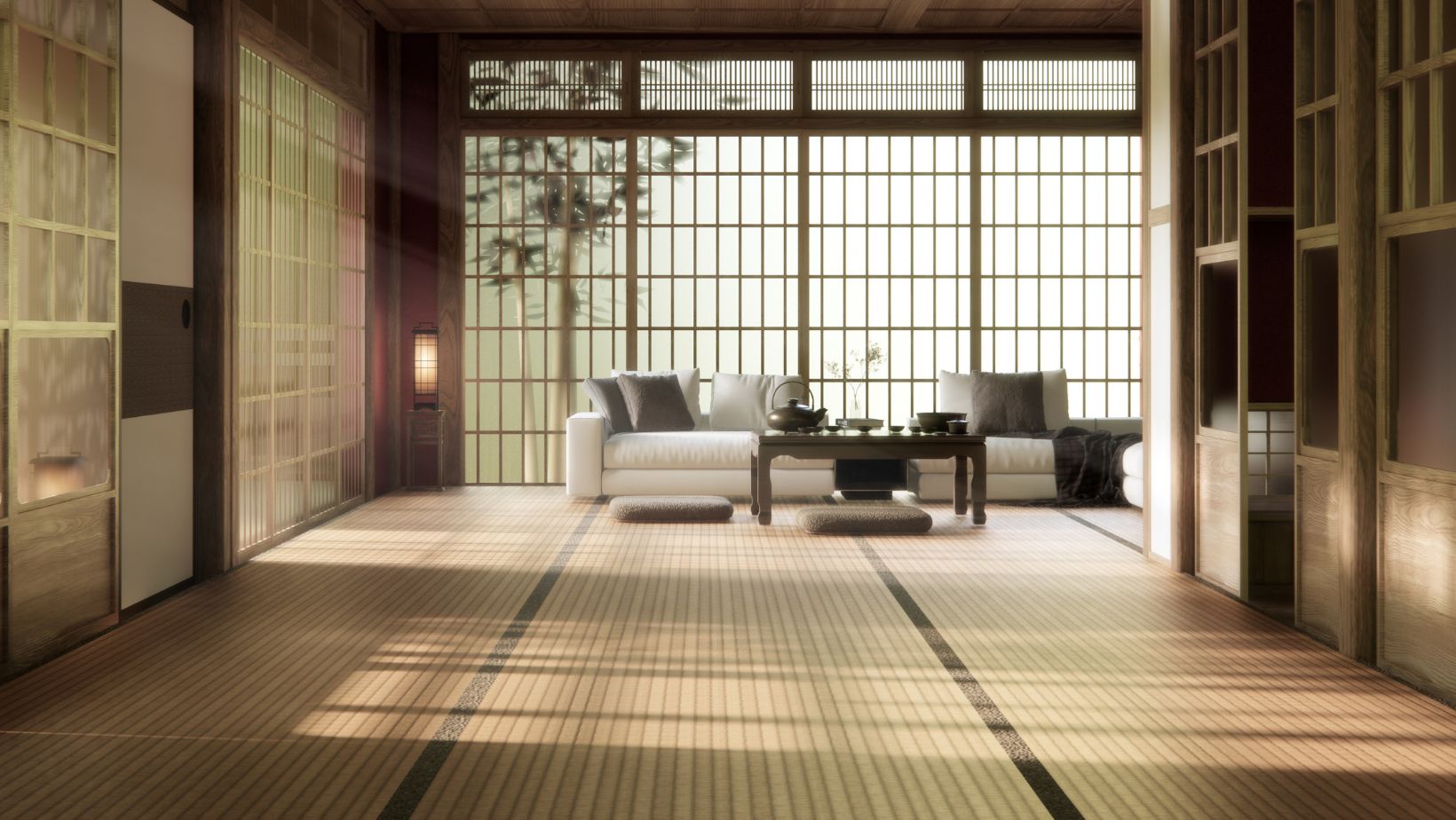
It is ideal for checking if cabinets, wardrobes and shelves will fit and if you can open doors and drawers comfortably.
3. Can I use one project for my entire home
Yes. You can model multiple rooms inside the same project. Many people start with one room, then add other spaces over time until they have a full digital version of their home. This makes it easier to plan larger changes, such as moving furniture between rooms.
4. Will a free version be enough for organizing my home
For most organizing and layout decisions, a free version is more than enough. You can draw rooms, place furniture, test storage and see everything in 3D. Paid plans usually add advanced exports and more materials, which are useful mainly for professional presentations.
5. How does using 3D design actually reduce clutter
Because you plan first and buy later. The 3D model shows you what fits, what you do not need and where storage should go. That means fewer random purchases, fewer mistakes and more intention behind every item you bring into your home.dqq